




The Enduring Appeal of the iPhone 13 and How to Master its “Do Not Disturb” Capabilities
Since its official release in September 2021, the iPhone 13 has cemented its place as a reliable workhouse in Apple’s lineup. Starting at an MSRP of $799 for the 128GB model, the device strikes a balance between premium performance and everyday utility. While newer models have since hit the market, the iPhone 13 remains a compelling option, largely thanks to its A15 Bionic chip. This 5-nanometer hexacore processor, paired with 4GB of RAM and a 4-core GPU, ensures the device handles iOS 18 updates and demanding applications without stuttering.
Design and Visual Experience
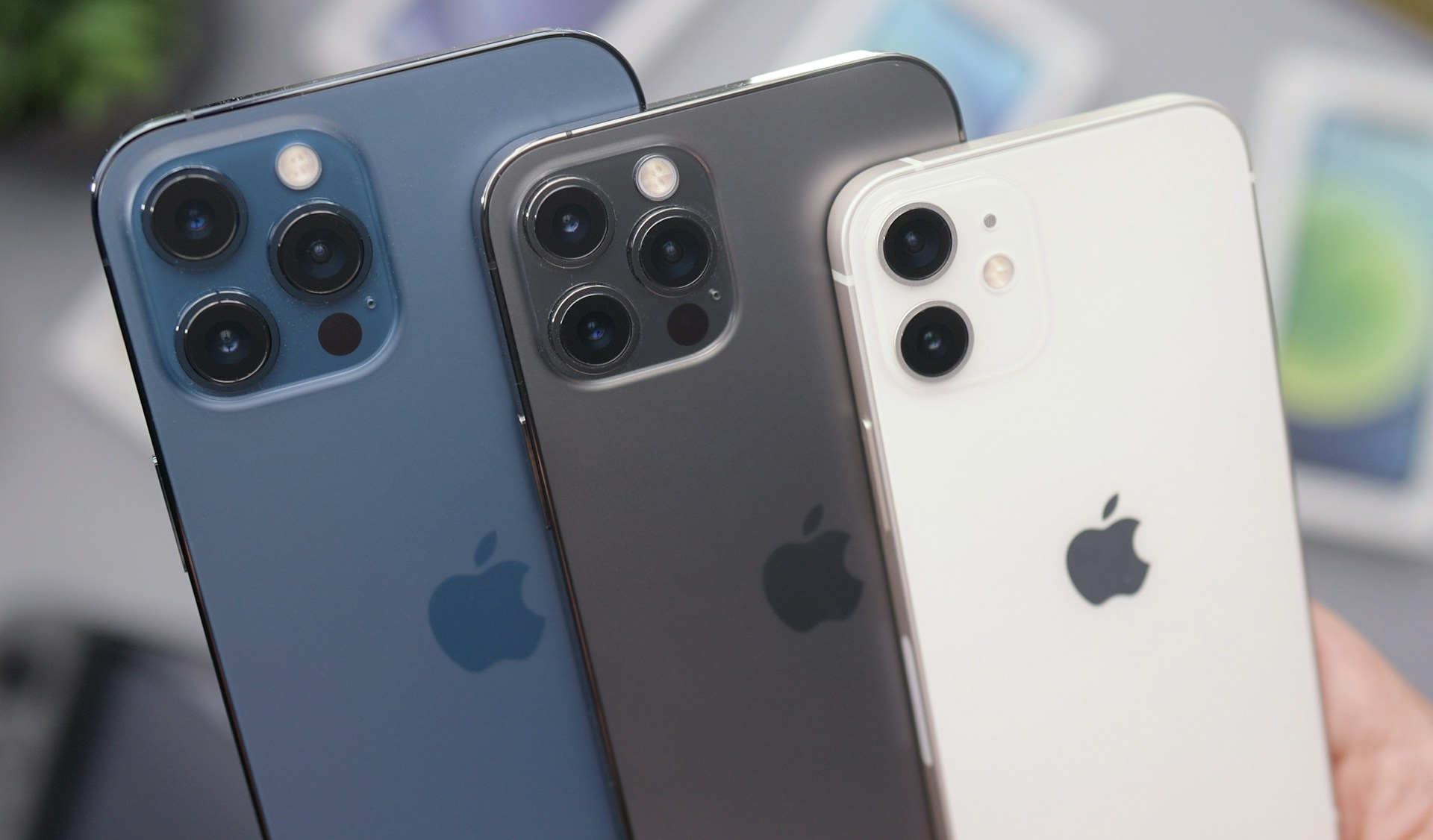
Visually, the phone maintains the sleek industrial aesthetic Apple is known for, featuring an aluminum frame and a glass back available in colors like Starlight, Midnight, Blue, Pink, and Red. The 6.1-inch Super Retina XDR OLED display offers a sharp 2532×1170 resolution and impressive brightness, hitting 1200 nits for HDR content. Durability is a priority here, with Apple utilizing its Ceramic Shield protection and achieving an IP68 rating for water and dust resistance. Under the hood, a 3,227 mAh battery supports 20W wired charging and MagSafe wireless charging, delivering enough power for over 13 hours of browsing or roughly 8 hours of video playback.
Camera and Connectivity
Photography enthusiasts appreciate the dual 12MP rear camera system, which includes a main sensor with a fast f/1.6 aperture and sensor-shift optical image stabilization—a feature previously reserved for the Pro Max models. This setup, combined with an ultra-wide lens, allows for crisp 4K video recording at 60 fps and excellent low-light performance. On the connectivity front, the device is future-proofed with comprehensive 5G support, Wi-Fi 6, and Ultra Wideband (UWB) technology, ensuring fast data speeds and precise location tracking.
Managing Priority Calls on a Silent Device
However, owning a device with powerful connectivity is moot if you constantly miss important calls because you prefer to keep your phone on silent. Many users keep their mute switch engaged to avoid the annoyance of constant notifications from apps like WhatsApp or random emails. Unfortunately, this blanket silence often leads to missed calls from family members or emergencies. The good news is that iOS provides two distinct methods to ensure specific contacts can always break through the silence, regardless of your volume settings.
The Emergency Bypass Solution
The first method leverages a feature hidden deep within the Contacts app known as Emergency Bypass. While Apple originally designed this for critical situations, it serves as an excellent tool for ensuring a spouse, parent, or boss can always reach you. To activate this, you simply open the Phone or Contacts app and select the specific person you want to prioritize. After tapping “Edit” in the top right corner, select “Ringtone.” Here, you will find a toggle switch labeled “Emergency Bypass.” Once enabled, this specific contact’s calls will ring even if your iPhone is muted or in Do Not Disturb mode. It is worth noting that this must be done individually for each contact, as there is no bulk-add option, but it effectively guarantees you never miss a VIP call.
Utilizing Focus Modes for Granular Control
For those seeking a more sophisticated approach than a simple toggle, Apple’s Focus modes offer a robust alternative. Unlike the binary nature of Emergency Bypass, Focus modes allow you to construct specific profiles—such as “Work,” “Personal,” or a custom named profile—that filter who can reach you. To set this up, navigate to Settings and select “Focus.” By tapping the plus button to create a custom mode, you can assign it a specific name and color.
Within the configuration menu for your new Focus mode, there is a section for Notifications. Here, you can explicitly choose “Allow Notifications From” and select the people whose calls and messages should bypass the filter. When this Focus mode is active, your phone will remain silent for the rest of the world, but the selected contacts will ring through normally. This feature is easily toggled via the Control Center, giving you on-demand peace and quiet without the anxiety of being completely unreachable.